The desk
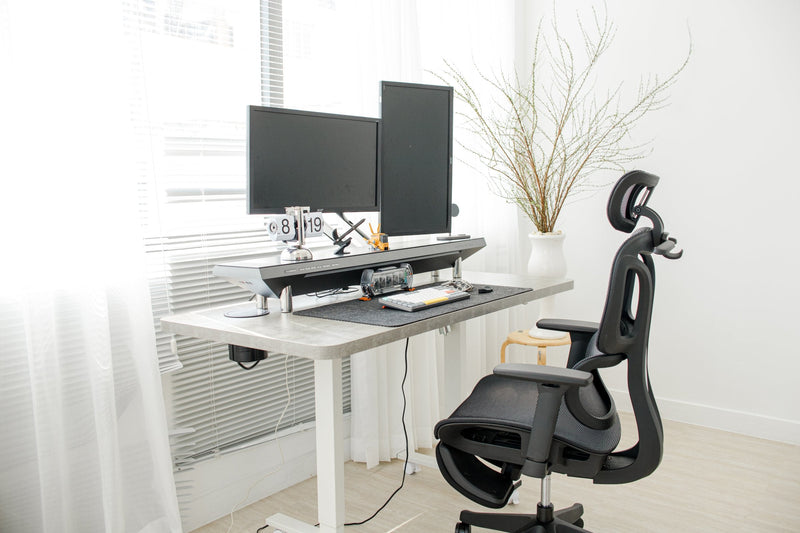
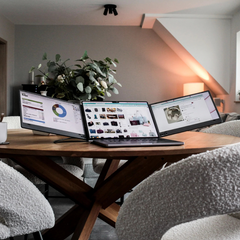
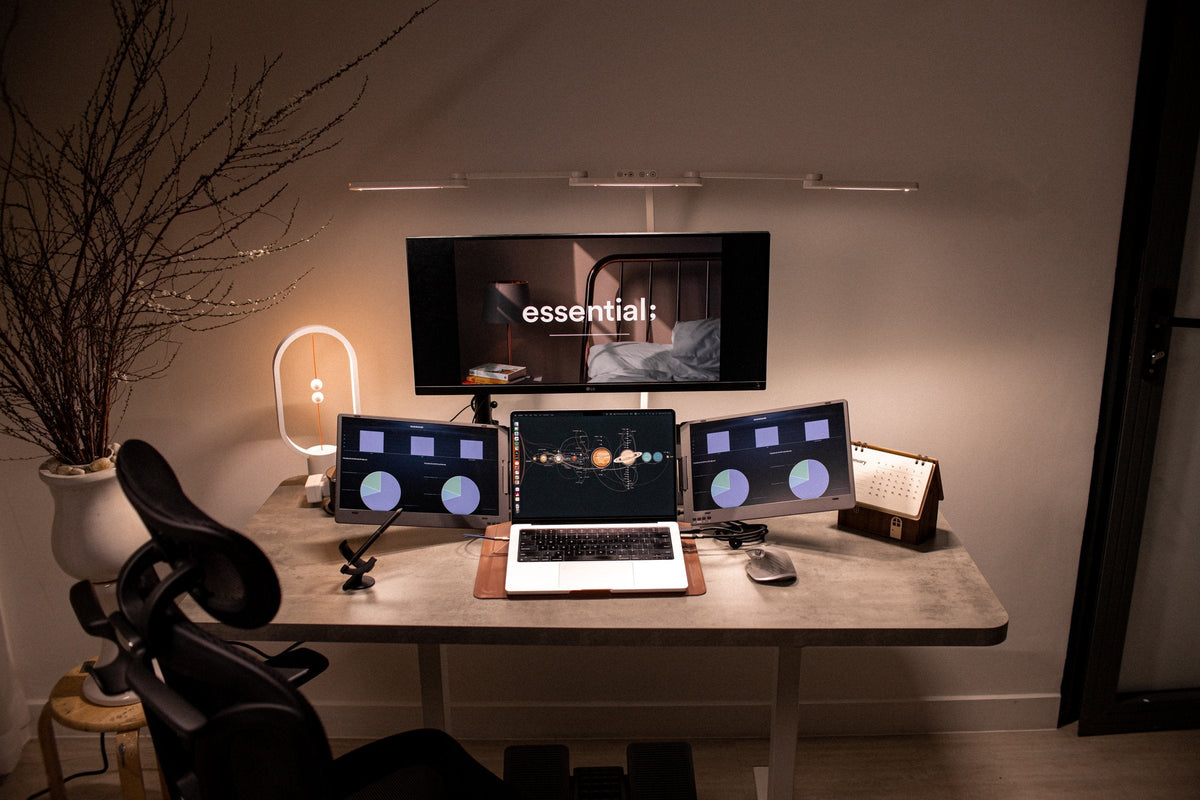
This desk comes from our team's photo archive and is part of the 9spaceX gallery. A laptop sits between two portable side screens, with a centre monitor and a balance lamp on a concrete-top standing desk.
Ways to get the side screens
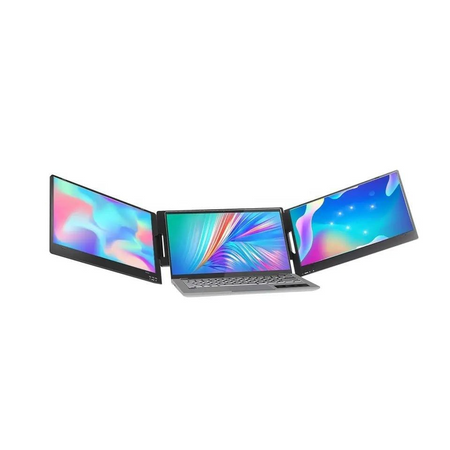
- Clip-on extender: the Tri-Screen in our Showcase attaches to the back of the laptop and folds out two 14-inch screens. The aluminum V2 fits 13.3 to 17.3 inch laptops, wires the left screen and connects the right one wirelessly.
- Dual portable display: JSAUX's FlipGo, in our Showcase, puts two screens in one body and runs from a single USB-C cable, with up to 2.5K per screen.
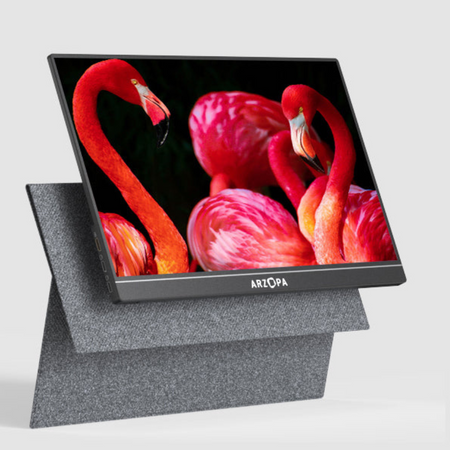
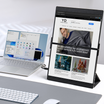
- Single portable monitor: Arzopa's B8, in our Showcase, is a 15.6-inch 1920 x 1080 IPS panel at 60Hz with a built-in stand.
Placement
Keep the screen you look at most directly in front of you, at least 20 inches away, with its top line at or slightly below eye level. OSHA also advises that monitors should not sit farther than 35 degrees to the left or right.
Check your laptop first
Check your laptop's ports first. The Tri-Screen V1 needs one cable per screen, and on a MacBook with a base M1, M2 or M3 chip its second screen mirrors. JSAUX lists its DuoView mode as not supported on Mac.



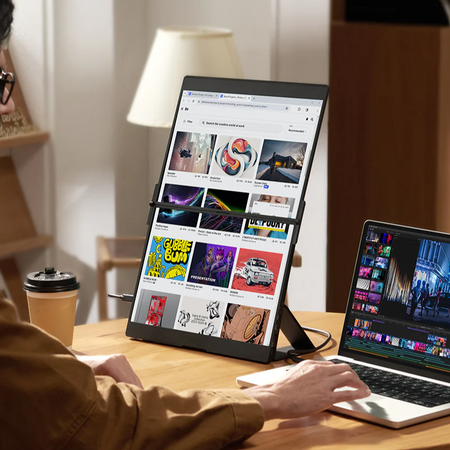
![Arzopa B8 จอภาพพกพา Full HD ขนาด 15.6 นิ้ว สำหรับแล็ปท็อป [แถมเคส + สายเชื่อมต่อฟรี]](http://9spacex.myshopify.com/cdn/shop/files/3_7d364128-5909-436f-9327-93b7b4864e9d.png?v=1756446003&width=600)