


Violoop Plug-in AI for Your Computer
รายละเอียดการเปิดขายเร็ว ๆ นี้ยังไม่เปิดสั่งซื้อ ฝากอีเมลไว้ แล้วเราจะแจ้งเมื่อเปิด
Every campaign we've run, on the record.
Our track record
- 62แคมเปญที่บันทึกไว้
- 19ส่งมอบตรงเวลา
- 17ล่าช้า แจ้งล่วงหน้า
- 26ตรวจสอบจากโพสต์สาธารณะไม่ได้
- Full refundEvery order in the campaign
ทำไมเราจึงมีสินค้านี้
- Reads the screen on the deviceThe brand says screen reading happens on the device and the raw feed stays on your desk.
- No drivers to installIt takes the video signal from your computer and acts through standard keyboard and mouse input.
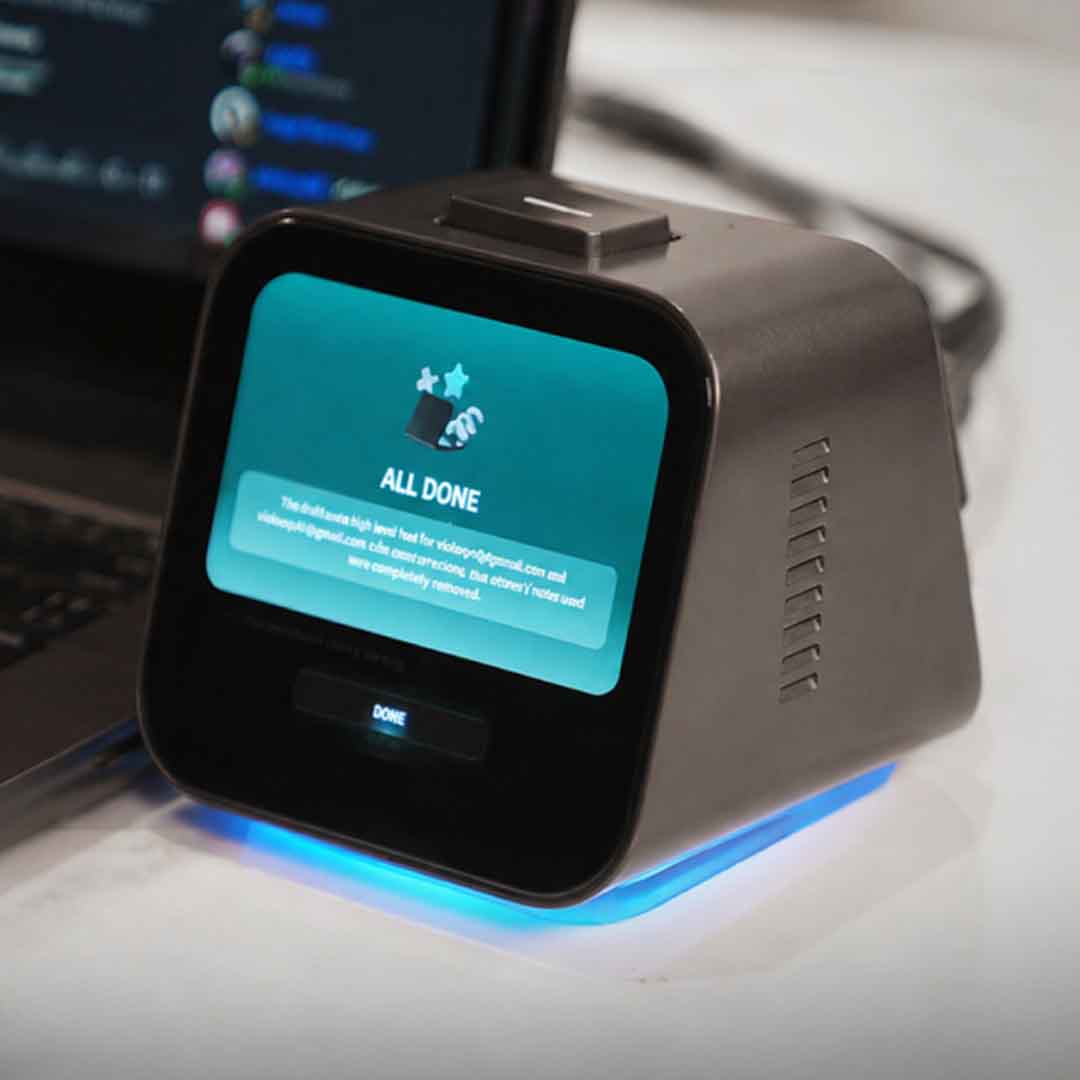
- You approve each actionA physical confirmation key means nothing runs until you press it.
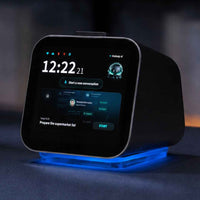
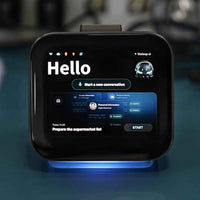
A small box that reads your screen on the device and prepares the next steps of a task, then waits for your approval.
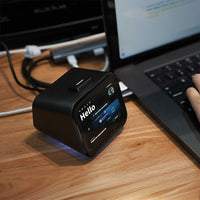
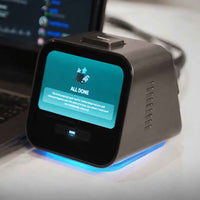
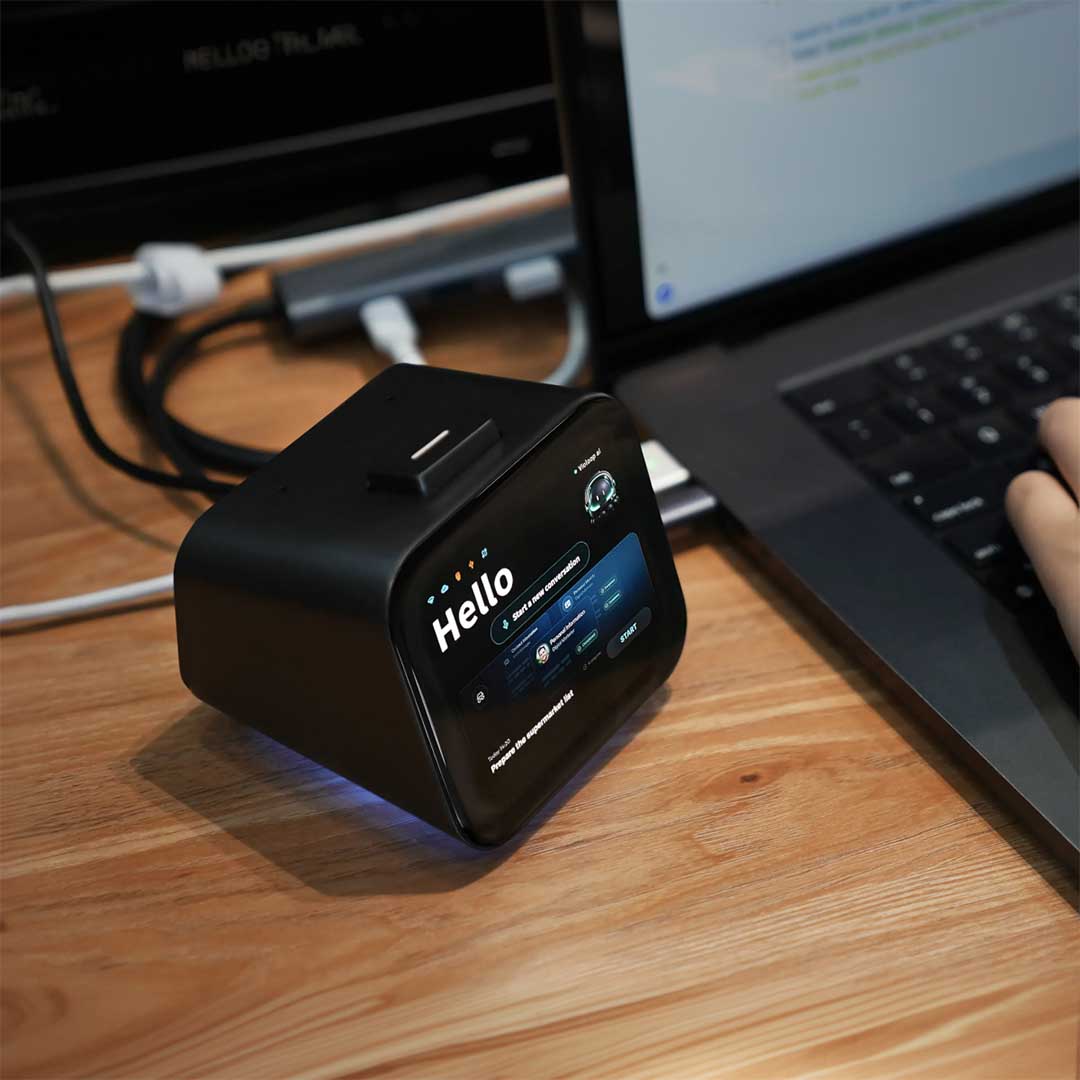
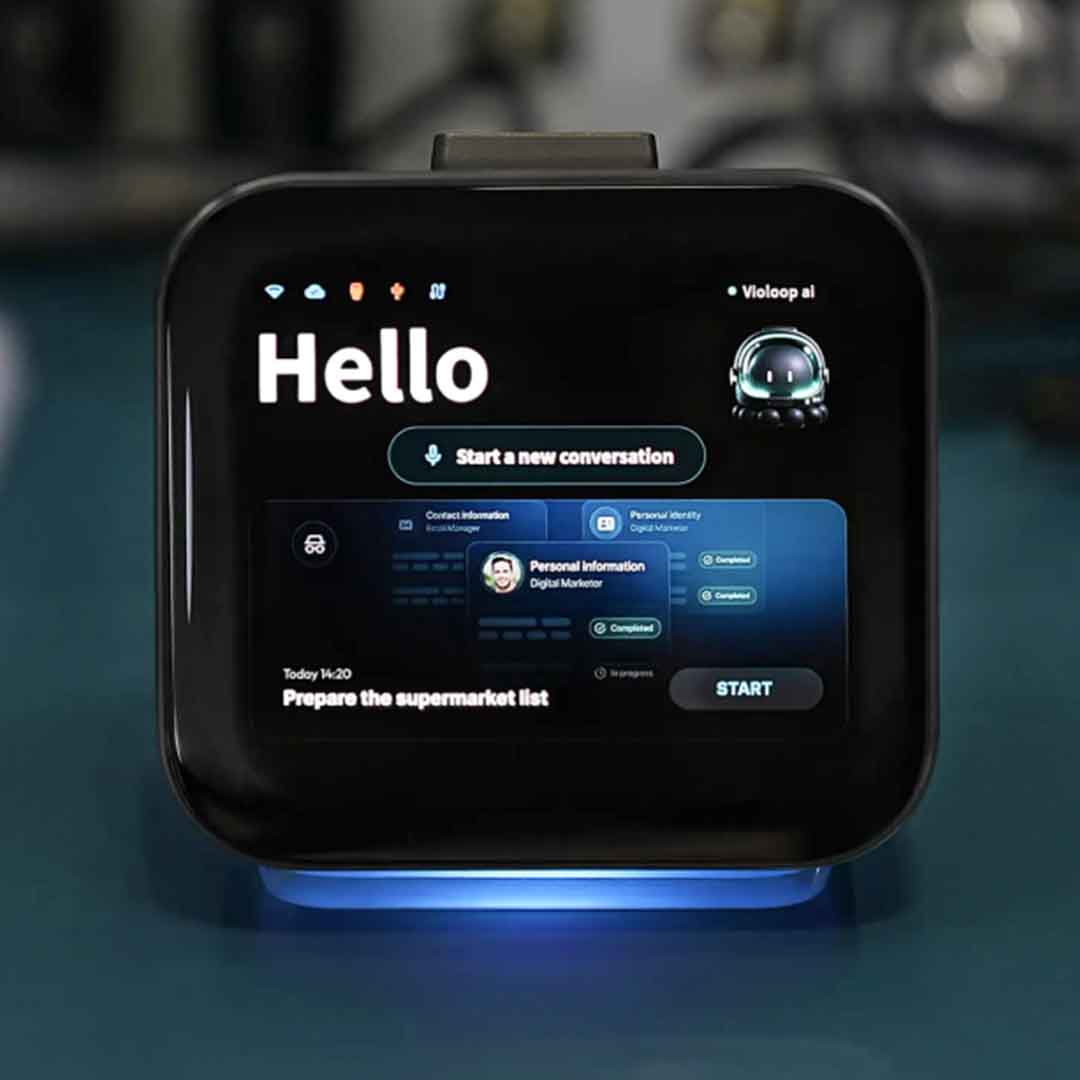
Violoop is a small device you plug into a computer to make it agent-ready. It reads the text, pages and buttons on your screen, prepares the next steps of a task across your apps, and waits for your approval before it acts.
The model runs on the device with long-context memory, so it learns your habits and projects locally, without cloud computing costs. It works through ordinary mouse and keyboard input, so it does not depend on each app offering an integration.
On Kickstarter, Violoop by Bvio Tech had raised $2,719,046 from 4,938 backers by 21 October 2026, with the campaign running to 30 October 2026.
Showcase on 9spaceX: not sold here yet. Details from the maker's Kickstarter campaign, read 21 October 2026.
ข้อมูลจำเพาะสินค้า
- Processor
- RK3576 octa-core + dedicated AI accelerator
- AI accelerator
- 26 TOPS, on device
- Memory
- 13 GB total · 8 GB LPDDR4X + 5 GB 3D-stacked DRAM
- Storage
- 128 GB eMMC 5.1
- Video input
- HDMI 2.0 · 4K capture
- Control
- USB-HID, no drivers
- Wireless
- Dual-band Wi-Fi 2.4G+5G (802.11ac/ax) · Bluetooth 5.2
- Power
- 12 V, external supply
- Size
- 90 × 92 × 80 mm
- Weight
- 450 g
- Approval
- Physical confirmation key
- Systems
- Windows, macOS (brand also lists Linux; press reports differ)
คำถามที่คนมักถาม
Where does the AI run?
Screen reading runs on an on-device accelerator. For heavier tasks it can use cloud AI models through an API key you supply. The brand does not state a subscription, a data region or how it behaves offline.
How does it connect to my computer?
It needs one video output from your computer, either HDMI or a full-featured USB-C port with DisplayPort Alt Mode. Your computer sees it as a display. It controls the computer over USB as a standard keyboard and mouse.
Do I need to install drivers?
No. The brand lists no drivers. A sponsored review notes it works alongside a companion desktop app.
Will it act without asking me?
No. The brand says nothing executes without your approval on the physical confirmation key.
Which operating systems does it support?
The brand lists Windows, macOS and Linux. One trade report says Linux support is still in development, so check before relying on Linux.
Does it need its own power?
Yes. It runs on a 12 V external supply and is not powered from your computer's USB-C port.
Shipping to the US & customs
Shipping options, origin and delivery estimates depend on the item and destination. Check the shipping information for your order.